
The Complete AV Checklist for Corporate Meeting Planners
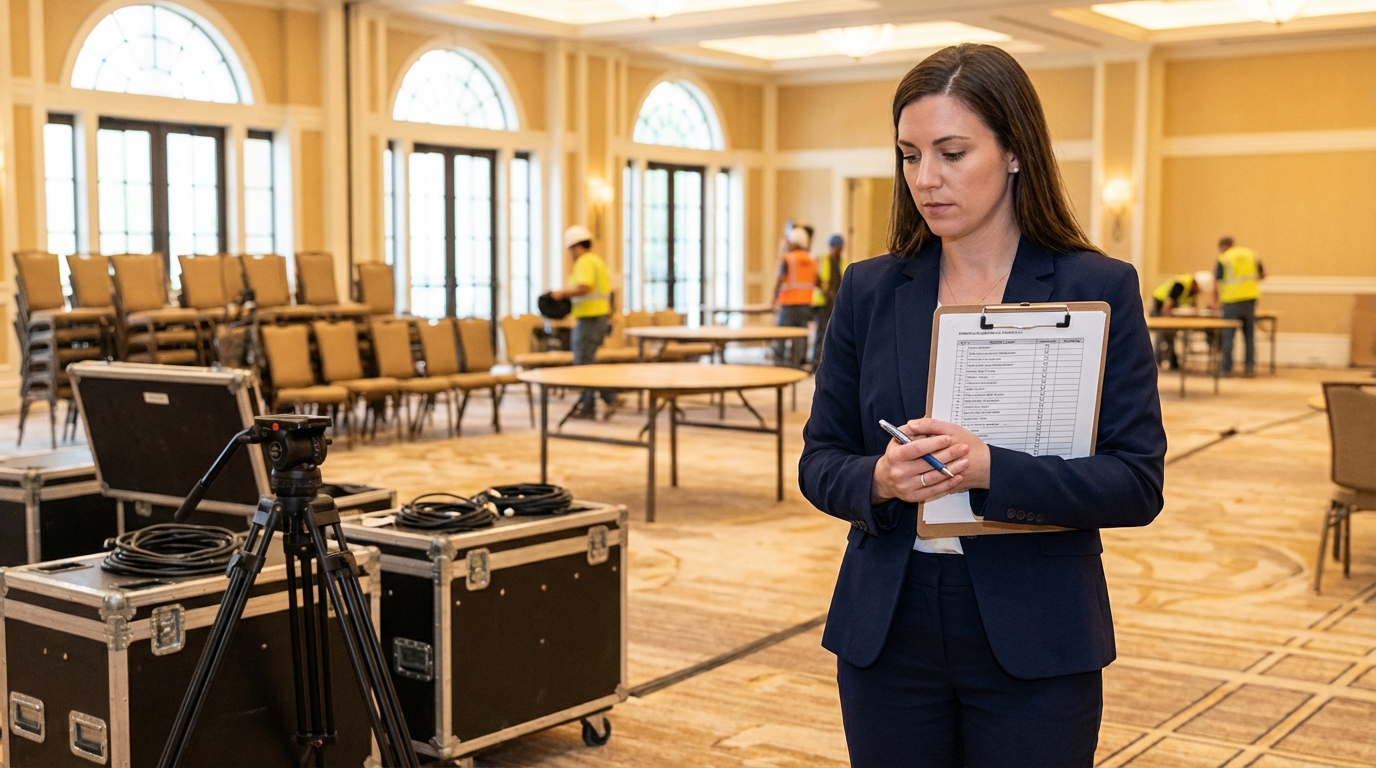
Even experienced meeting planners can overlook critical AV details that make the difference between a flawless event and a stressful one. This checklist covers every phase of AV planning, from your first site visit to the final moments of show day. Print it, share it with your team, and use it as your master reference whenever you're planning a corporate event. For answers to common questions about AV terminology and processes, visit our FAQ page.
Pre-Event Planning
These are the foundational items that should be locked in well before any equipment arrives at the venue.
- ✓ Conduct a venue site visit — Walk the space with your AV provider. Note room dimensions, ceiling height, column locations, window placement, and existing AV infrastructure.
- ✓ Map electrical circuits — Identify power outlet locations, circuit capacities, and any rooms that share circuits. Determine if supplemental power drops are needed.
- ✓ Assess internet connectivity — Confirm available bandwidth, wired ethernet port locations, and whether a dedicated internet connection is needed for streaming or hybrid components.
- ✓ Confirm load-in logistics — Verify dock access, elevator dimensions, hallway widths, and any venue restrictions on load-in times or equipment staging areas.
- ✓ Define the production schedule — Lock in load-in time, setup duration, rehearsal window, show times, and strike schedule. Share this with your AV team and venue coordinator.
- ✓ Collect presenter requirements — Gather laptop specs, presentation file formats, video playback needs, microphone preferences, and any special accommodation requests from every presenter.
- ✓ Set a content deadline — Require all presentation files at least 48 hours before the event so your AV team can test and troubleshoot content in advance.
Audio Checklist
Audio quality is the single most important factor in attendee satisfaction. Get these items right and everything else becomes easier.
- ✓ Wireless lavalier or headset microphones — One per presenter, plus at least one backup. Confirm frequencies won't conflict with the venue's other wireless systems.
- ✓ Handheld wireless microphone — Essential for Q&A segments and audience interaction.
- ✓ Main speaker system — Sized appropriately for the room. Line arrays for general sessions, powered speakers for breakouts. Ensure consistent coverage from front to back.
- ✓ Stage monitors — Speakers or in-ear monitors for presenters so they can hear themselves, program audio, and any timer cues.
- ✓ Audio recording — If sessions need to be recorded, confirm recording equipment, file format, and backup recording setup. Designate who receives the files post-event.
- ✓ Sound check schedule — Allocate time for audio testing in every room, ideally the day before the event.
Video Checklist
- ✓ Screen size and type — Confirm screen dimensions based on audience size and viewing distances. The back row should be no more than 8x the screen height away for readable text.
- ✓ Projector or LED wall selection — Choose based on ambient light, audience size, and budget. Ensure lumen output or pixel pitch is appropriate for the room.
- ✓ Content format standardization — Define the slide aspect ratio (16:9 is standard), resolution, and file format for all presenters. Distribute a template in advance.
- ✓ Video switching and playback — Confirm the video switcher can handle all input types (HDMI, USB-C, wireless). Test video playback files for format compatibility and smooth performance.
- ✓ Confidence monitors — Place monitors at the foot of the stage so presenters can see their slides and notes without turning away from the audience.
- ✓ IMAG cameras — For audiences over 200, add image magnification cameras so attendees in the back can see the speaker's expressions and gestures clearly.
Lighting Checklist
- ✓ Stage wash lighting — Ensure presenters are well-lit and evenly illuminated for both the live audience and cameras.
- ✓ House lighting control — Confirm you can dim audience lights independently from stage lights. Coordinate with the venue's lighting system.
- ✓ Accent and effect lighting — If your stage design includes scenic elements, brand colors, or mood lighting, confirm these are included in your lighting plot.
- ✓ Lighting cues — Program lighting transitions for different segments: presentation mode, video playback, audience interaction, and breaks.
Streaming and Recording Checklist
- ✓ Streaming platform and credentials — Confirm the platform (Zoom, Teams, custom RTMP), stream keys, and test the connection at the venue.
- ✓ Dedicated internet connection — Never rely on shared venue Wi-Fi for live streaming. Arrange for a hardwired, dedicated connection with guaranteed upload bandwidth.
- ✓ Redundant recording — Record to at least two independent devices simultaneously. Hard drives fail; redundancy protects irreplaceable content.
- ✓ Remote audience management — Assign someone to monitor the chat, manage remote Q&A, and troubleshoot attendee connection issues.
Day-Of Essentials
- ✓ Pre-show system check — Test every microphone, every video input, every lighting cue, and every streaming feed at least one hour before doors open.
- ✓ Backup equipment on-site — Spare microphones, spare laptop, backup cables, and extra batteries should be staged and ready.
- ✓ Communication plan — Establish a clear communication channel (radios, headsets, or group chat) between the production team, event manager, and stage manager.
- ✓ Speaker check-in process — Have presenters arrive at least 30 minutes early to mic up, test their slides, and get comfortable with the clicker and confidence monitors.
- ✓ Emergency contacts — Keep a printed list of key contacts: venue technical staff, AV production manager, IT support, and building security.
Use This Checklist as Your Starting Point
No two events are identical, and your specific AV needs will vary based on your content, venue, and audience. But this checklist covers the core items that apply to virtually every corporate meeting and conference. Review it early in your planning process, share it with your AV provider, and use it to structure your pre-production conversations. The more thorough your planning, the smoother your event will run. Browse our full AV services to see how we can support every item on this list, or contact us to start planning your next event.
Astro Audio Visual Team
Expert AV production for corporate events in San Antonio, Austin & Houston.